
Home / Window Programming

Properties, Methods and Events

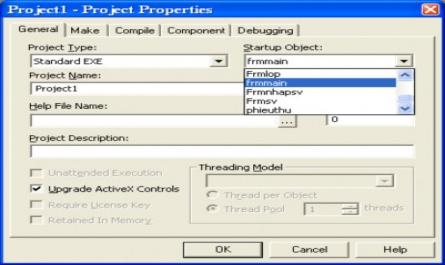
Figure 1.15. Project Properties dialog box 1.7.8. Create EXE file After setting up the startup form for the Project, to run a program, we use the Start button of Visual Basic or press the F5 key. However, when the program is completed, we need an executable file, or EXE file. Follow these steps: ...
Creating a Data Environment Designer Using Data View

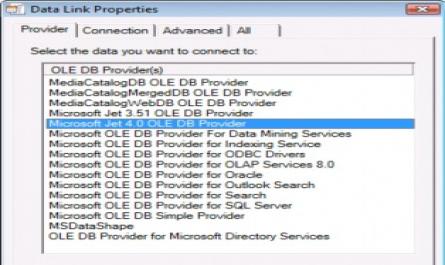
5.7. Generate reports 5.7.1. Create data links using Data View The Data View window allows us to work with a database without using external tools or Add-ins. To use the Data View window, follow these steps: Step 1. From the View menu, select Data View, or click the Data View button on the standard ...

Home Reference Doccument